Simple tools for smaller, cleaner, web-ready images.
Compress, resize, crop and convert images without installing desktop software. ImageRW also explains the practical choices behind image formats, dimensions and compression.
For supported tools, the core image operation runs locally in your browser. Keep your original file for important work.
Popular image tools
Start with the task you need. Each tool is paired with practical guidance so you can understand the trade-offs instead of guessing at settings.
Image Compressor
Reduce JPG, PNG and WebP file sizes and compare the result.
Image Resizer
Resize images to practical pixel dimensions.
Image Cropper
Crop images to a chosen width and height.
JPG to PNG
Create a PNG copy of a JPG image.
PNG to JPG
Create a compact JPG copy of a PNG image.
WebP Converter
Create WebP versions for modern web workflows.
Image optimization is more than compression
File size is influenced by more than a quality slider. Pixel dimensions, image format, transparency, image content and the destination all matter. A very large source may benefit more from resizing than from aggressive compression.
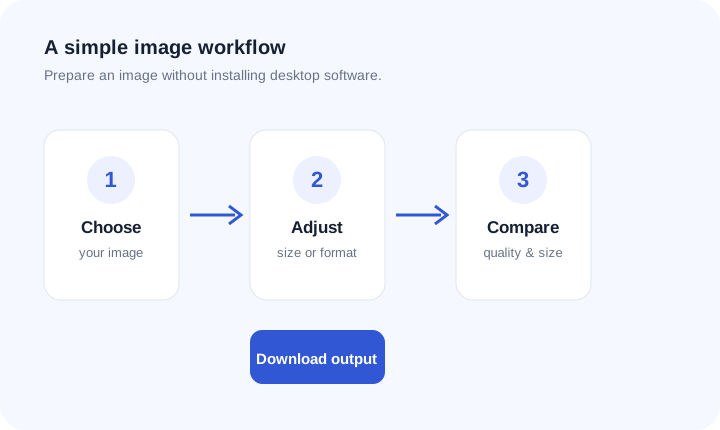
A useful workflow is simple: keep the original, choose practical dimensions, select a suitable format, create an optimized copy and inspect it where it will actually be used.
Privacy-aware browser processing
Supported ImageRW tools are designed to perform their core transformations in your browser. The source image does not need to be uploaded to a remote server for those operations.
See the trade-off
A smaller file is useful only when the image remains fit for purpose.
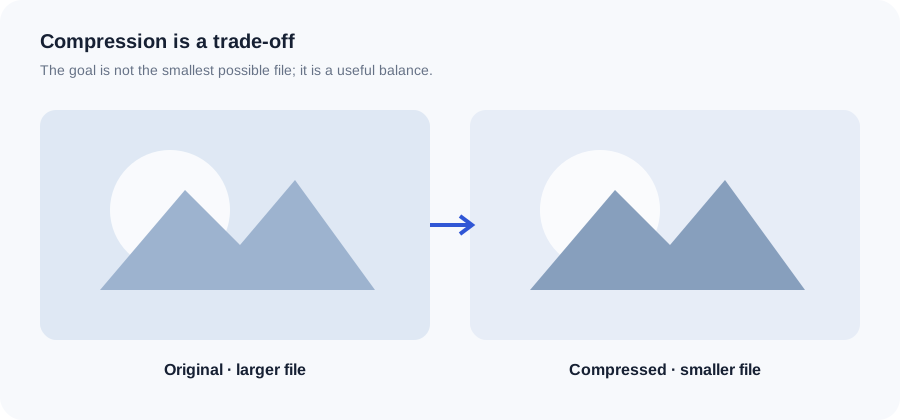
Image guides
Learn how dimensions, formats and compression choices work together.
How to Compress Images Without Losing Too Much Quality
Dimensions, formats, quality and a repeatable compression workflow.
JPG vs PNG
Understand which format fits photographs, graphics and transparency.
WebP vs JPG
Compare practical web delivery choices using real image files.
Image SEO Basics
File names, alt text, dimensions, relevance and page context.
How ImageRW approaches image tasks
Image processing is not one-size-fits-all. Photographs, screenshots, logos, product images and illustrations respond differently to compression and format conversion.
That is why ImageRW combines practical tools with explanatory content. The goal is to help you complete a task now and understand how to make a better decision the next time.
Keep a high-quality source and create web-ready derivatives from it. That makes future crops, dimensions and format conversions easier.