WebP vs JPG for Websites
ImageRW Guide · Practical image workflow
WebP and JPG are both useful formats. The decision depends on image content, quality requirements, compatibility and the rest of the delivery stack.
Quick takeaways
- Compare WebP and JPG using representative files from your own site.
- Judge both bytes and visible quality.
- Check whether your CMS or CDN already transforms images automatically.
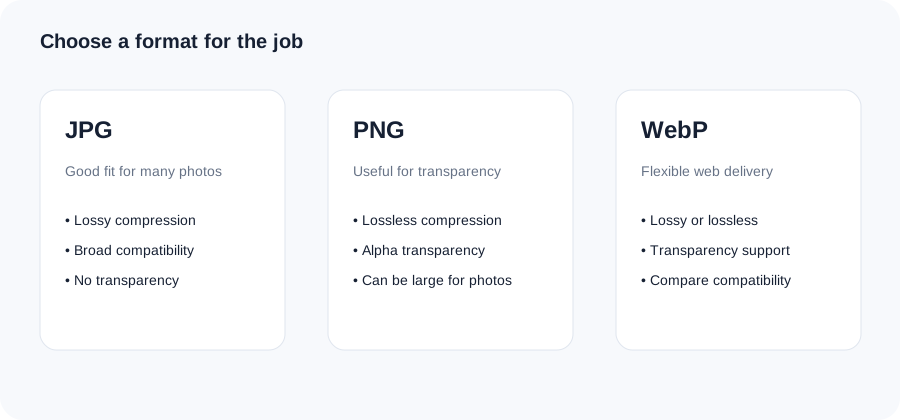
Original ImageRW diagram: WebP vs JPG for Websites.
Where JPG fits
JPG remains a practical format for photographs and environments that prioritize broad compatibility. It has a mature ecosystem and predictable behavior.
Where WebP fits
WebP supports lossy and lossless compression as well as transparency. That makes it flexible for websites that can serve it through a compatible image pipeline.
Compare representative files
Take several real images from your site: a photograph, a product image, a screenshot and a graphic. Convert them and compare both bytes and visible quality.
Do not optimize only for a number
A 100 KB file is not automatically better than a 140 KB file if it creates distracting artifacts or loses important information.
Check the publishing workflow
CMS plugins, CDNs and image pipelines may transform formats automatically. Know what your stack already does before adding another conversion step.
A practical workflow
Keep your source files, generate optimized derivatives, test them in the real page layout and confirm that the browser and platform behavior match your requirements.
A practical WebP vs JPG test
- Choose a typical photograph from your site.
- Create a JPG and WebP copy at a similar visual quality target.
- Compare the resulting file sizes.
- Inspect fine detail, edges and gradients at the actual display size.
- Confirm that your publishing workflow and target browsers or systems accept the format you plan to use.
Frequently asked questions
Is WebP always smaller than JPG?
No. Results depend on the source image and settings.
Can WebP replace PNG?
It can cover some PNG use cases, including transparency, but compatibility and workflow requirements still matter.
Should I convert an entire image library?
Test representative files first and confirm your publishing workflow before making a large migration.
Image content varies. Test representative files, keep the original and judge the output in the context where people will actually see it.