HEIC vs JPG: What Is the Difference?
ImageRW Guide · Practical image workflow
HEIC can be efficient for storage in supported ecosystems, while JPG remains one of the most broadly compatible image formats.
Quick takeaways
- Use HEIC when the destination supports it; use JPG when broad compatibility matters.
- Keep the original source before making a converted copy.
- Test the destination before converting a large photo library.
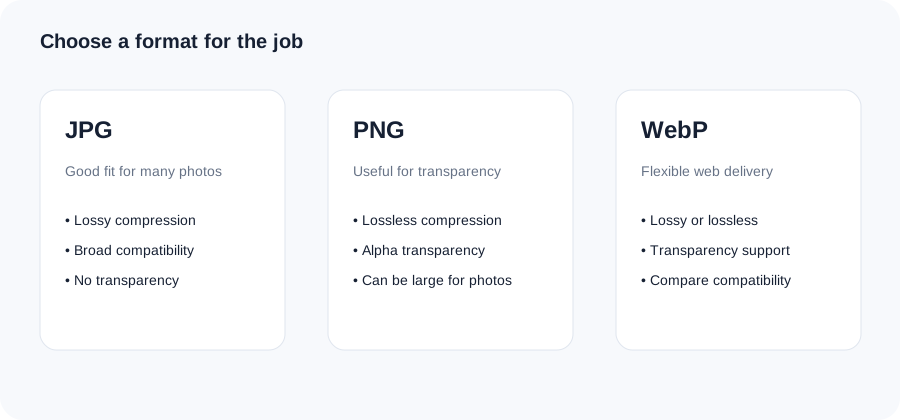
Original ImageRW diagram: HEIC vs JPG: What Is the Difference?.
HEIC in practical terms
HEIC is part of the HEIF family and can store images efficiently with features that suit modern device workflows. Support varies by software and platform.
JPG in practical terms
JPG is widely supported across websites, applications and older systems. Its compatibility can make it a convenient exchange format.
Why conversion is useful
If a service does not accept HEIC, converting to JPG creates a more broadly compatible copy. The conversion does not magically restore or add source detail.
Think about the original
Keep the original HEIC when it is your best source. A JPG derivative can be created for a specific website, email or application.
Check the destination
Before converting a large collection, verify whether the destination actually requires JPG. Some modern workflows can accept HEIC or another efficient format directly.
A practical conversion checklist
- Keep the original HEIC file when you may need the full-quality source later.
- Convert a copy to JPG when the destination has stricter compatibility requirements.
- Open the JPG in the app, website or upload form that will actually receive it.
- Compare the converted file with the original before deleting anything.
Frequently asked questions
Is HEIC higher quality than JPG?
The formats use different encoding approaches, so quality depends on the source, encoder and settings.
Why convert HEIC to JPG?
Compatibility is a common reason.
Does conversion reduce quality?
It can, depending on the conversion process and JPEG quality setting.
Image content varies. Test representative files, keep the original and judge the output in the context where people will actually see it.