How to Reduce Image Size for Email
ImageRW Guide · Practical image workflow
Email recipients often do not need the full pixel dimensions of a modern phone photograph. A smaller derivative can be easier to send and view.
Quick takeaways
- Start from the size the recipient actually needs.
- Photographs, screenshots and graphics may need different settings.
- Keep the original when the full-resolution file may be needed later.
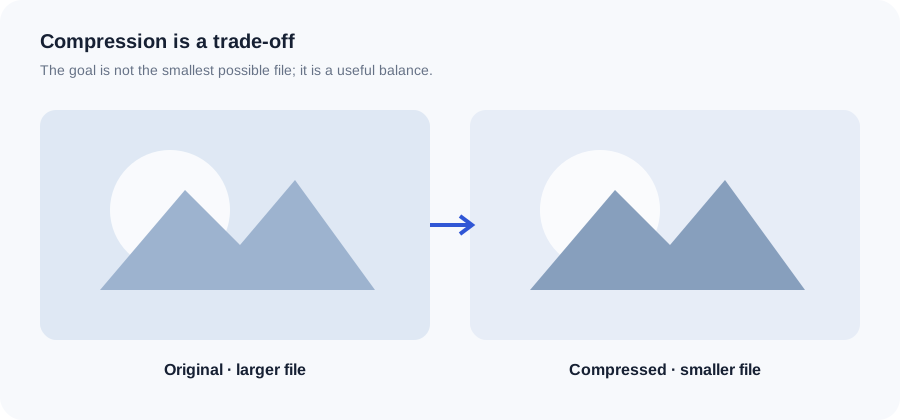
Original ImageRW diagram: How to Reduce Image Size for Email.
Check the intended use
If the recipient only needs to view the image in an email, the source may not need to remain at full camera resolution.
Resize before compressing
Reducing unnecessary pixel dimensions can make a major difference without relying on very aggressive compression.
Choose a practical format
JPG is often useful for photographs. PNG can remain appropriate for graphics or transparency. Compare actual outputs.
Inspect small text
Screenshots and documents contain high-frequency edges and text. Compression that looks fine on a photograph can make small lettering difficult to read.
Consider a file-sharing link
If the recipient needs the original, a link to the full-resolution file may be more practical than attaching a very large image.
Keep the original
Create a smaller email copy rather than permanently replacing the source.
A practical email checklist
- Resize a large photo before attaching it.
- Use JPG for ordinary photographs when transparency is not needed.
- Keep screenshots large enough for text to remain readable.
- Check the attachment size limit of the mail service you are using.
- For a large set of originals, consider sharing a link instead of attaching every file.
Frequently asked questions
What size should an email image be?
It depends on the email layout and whether the recipient needs to edit or print it. Start from the actual display purpose.
Should I send the original photo?
Only when the recipient needs the original resolution or editing data.
Why did my screenshot become blurry?
Small text and sharp edges are sensitive to aggressive compression.
Image content varies. Test representative files, keep the original and judge the output in the context where people will actually see it.